Teclast
110 models · 475 firmware files
ROM Palace hosts 475 official Teclast stock firmware files across 110 device models — all free, with direct, resume-supported download links, updated as recently as Apr 2026. Most Teclast phones run MediaTek (MTK) or Unisoc/Spreadtrum (SPD) chipsets; flash them with SP Flash Tool (SPFT), the SPD Upgrade / ResearchDownload tool, or the matching tool for your chipset. Use these ROMs to unbrick a phone, fix a bootloop, remove FRP, repair IMEI, downgrade, or restore factory software. Find your device below by its name or model code.
Teclast guides & tutorials (2)
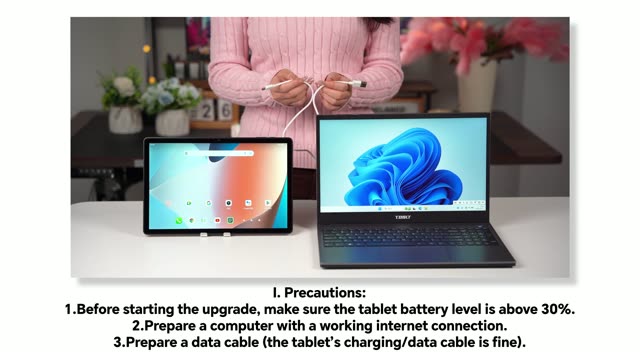
Teclast's own flashing / upgrade instructions — these apply across the Teclast range, not to a single model. Free to download.
Teclast firmware — frequently asked questions
Where can I download Teclast stock firmware for free?
ROM Palace offers free, direct downloads of official Teclast stock firmware for 110 models (475 firmware files in total). Pick your model, wait for the short countdown, and download — no subscription, no fake buttons and no waiting queues.
How do I flash Teclast stock firmware?
Download the ROM for your exact Teclast model, extract the archive, then flash it with SP Flash Tool (SPFT) for MediaTek (MTK) devices, or the SPD Upgrade / ResearchDownload tool for Unisoc/Spreadtrum (SPD) chipsets. Back up your data first and charge the battery above 50%. See our step-by-step flashing guide for details.
How do I find the right firmware for my Teclast phone?
Match your exact model code, shown in Settings > About phone or printed on the box (for example X6878 or CN7c). Flashing firmware from the wrong model or region can brick the device, so always confirm the code before downloading.
Are Teclast firmware downloads on ROM Palace safe?
The files are official Teclast stock firmware served over secure, time-limited links. Flashing any firmware carries some risk, so use the correct file for your exact model and follow the on-screen warnings and our guides.