ZTE Blade A54
Official ZTE Blade A54 stock firmware — flash file, stock ROM & IMEI repair file, free direct download.
⇄ Compare with another deviceThe ZTE Blade A54 has 2 official stock firmware files (flash file / stock ROM) available for free download on ROM Palace. The device runs on the Unisoc SC9863A and its firmware covers Android 13. Each download is a direct, resume-supported link used to unbrick the phone, fix a bootloop, remove FRP, repair a corrupt or null IMEI, downgrade, or restore the ZTE Blade A54 to its original factory software.
Specifications
ZTE Blade A54 stock firmware & flash files (2)
🌐 Released in 1 country
Flashing tools & utilities (3)
Official guides & tutorials (1)
Manufacturer's own upgrade / installation instructions shipped with this firmware — free to download.
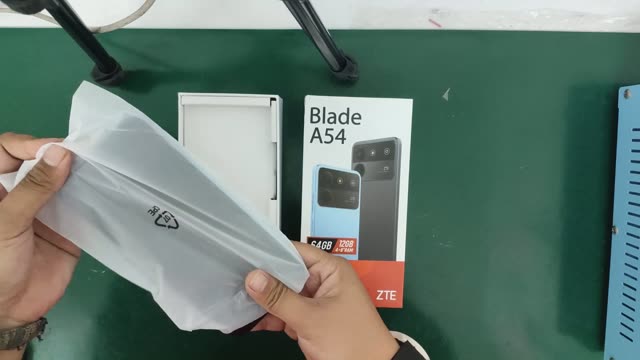
ZTE Blade A54 repair guides & teardown
In-depth, device-specific repair & teardown guides.
Where to buy the ZTE Blade A54
Compare the current ZTE Blade A54 price at these stores. We show the marketplaces available in your country — prices and availability vary by region.
We may earn a commission from purchases made through these links, at no extra cost to you.
Reviews & videos
Review links open on third-party sites. ROM Palace is not affiliated with them and hosts no copied review content.
Frequently asked questions
How do I flash the ZTE Blade A54 stock firmware?
Download the stock ROM / flash file for your exact ZTE Blade A54 (Blade A54), extract the archive, then flash it with SP Flash Tool (SPFT) for MediaTek (MTK) devices, or the SPD Upgrade / ResearchDownload tool for Unisoc/Spreadtrum (SPD) chipsets. Back up your data first and charge the battery above 50%. See our step-by-step flashing guide for details.
Is it safe to flash ZTE Blade A54 firmware?
Flashing official stock firmware is safe as long as you use the correct stock ROM / flash file for your exact model code (Blade A54). Flashing the wrong firmware can brick the device, so always confirm the model code before flashing.
Are these ZTE Blade A54 ROM downloads free?
Yes. Every ZTE Blade A54 firmware file on ROM Palace is free to download with a direct link — no subscription and no waiting queue.
What problems can ZTE Blade A54 stock firmware fix?
Stock firmware fixes bootloops, a device stuck on the logo, software crashes, failed OTA updates, can remove FRP, repair a corrupt or null IMEI, and restore the ZTE Blade A54 to its original factory software.
Comments
Loading comments…